What AI can do for your work

What would you do with the time you get back?

I'm Guus Witjes. I use AI to build small helpers for everyday work: posters, explainer videos, research and writing. You don't need a big project or a technical background: you start by describing what you want in plain language. This is what changed.

Explainer videoWeeks, and an agencyA few hours
Finding partnersSearching by hand, whenever someone had timeA ranked list in under 3 hours of my time
Meeting to textTyping it out yourself2 to 4 minutes per hour of audio
PostersA designer for every posterThe team makes its own
See the examples

What can AI do in everyday work?

Ten examples from my own work. Each one started with a task that cost too much time. Click an example to see how it works.

Making things

Posters without a designer

BeforeA designer for every poster
AfterThe team makes its own, checked on the spot

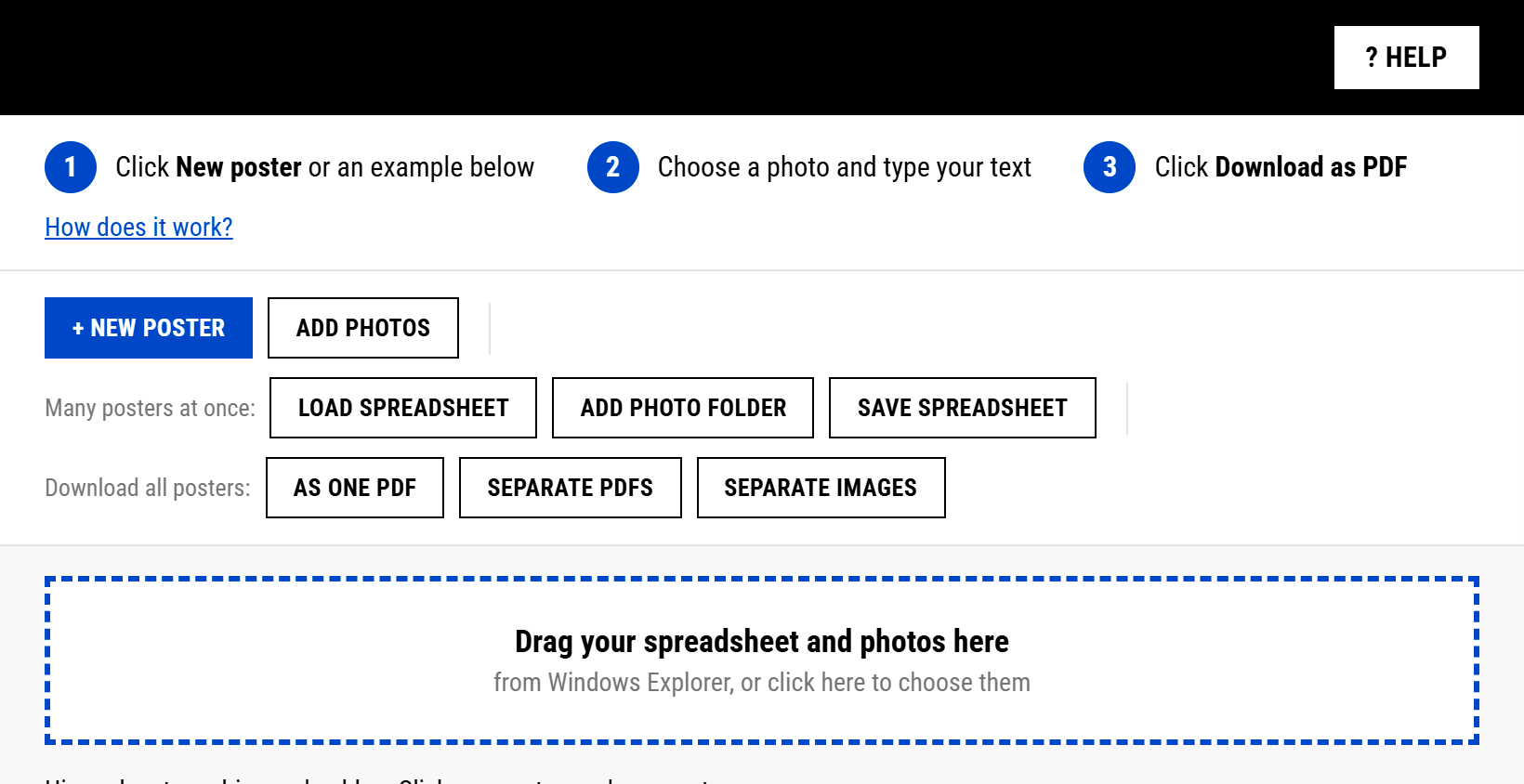
Fill in a spreadsheet, drag in the photos, download print-ready PDFs.

An explainer video in a few hours

BeforeWeeks, and an agency
AfterA few hours: ten clear steps in 3:14

AI writes the script, draws the animation and adds a voice.

A finished video from one raw take

BeforeHours of editing by hand
After4:05 of raw footage became a 1:13 video

AI cuts on the pauses, adds captions and puts each graphic on the right word.

Finding things out

Who should we talk to?

BeforeSearching by hand, whenever someone had time
AfterA ranked list of organisations, under 3 hours of my own time

AI reads public sources and each organisation's own plans, and ranks who fits best. A person decides at every step.

A meeting turned into text

BeforeTyping it out yourself
AfterOne hour of audio in 2 to 4 minutes

It runs on my own laptop, so nothing goes to the cloud.

Know your audience in an hour

BeforeGuessing what 16 to 21 year olds search for
AfterFive personas with real search terms, in about an hour

The lesson: anyone can make something now. Knowing whether it is right is the hard part.

Writing

One idea, a week of posts

BeforePlenty of drafts, almost nothing published
AfterOne idea becomes an article, five posts, a newsletter and three short videos

I write the argument. AI turns it into the rest, I check it and post.

Every text in the right tone of voice

BeforeEvery writer in a different voice
AfterOne voice, checked for each audience

A custom ChatGPT that asks who the text is for, checks it and rewrites it.

Preparing and organising

A workshop that half prepares itself

BeforeThe same feedback after every workshop
After24 reusable building blocks, and an intake that fills itself

From the first mail to the follow-up a month later. AI prepares, I check.

An assistant that knows my work

BeforeDays spent keeping notes and systems up to date
AfterA daily plan and review, and answers that say where they come from

My notes, rules and examples in one place, so AI works with my knowledge instead of guessing.

And just for fun

A wallpaper that knows the season

My laptop picks a new photo at every login: snow in winter, green in spring, lakes in summer, red leaves in autumn. A small script, nothing more.

A holiday film, cut on the beat

All the photos and clips from a phone become one film on music. The maps are drawn on my laptop, so nothing about the trip goes online.

How do you start building with AI?

You start with a task, not with technology. You describe it in plain language, the way you would explain it to a new colleague.

You typeOur team keeps asking for posters in the house style. Make me a simple tool: I fill in a spreadsheet with the texts, add the photos and get print-ready PDFs.
AI buildsA single file you open in your browser. It reads the spreadsheet, builds every poster, flags what is missing and downloads them all as one PDF.

An example of how a build starts. The first version is rarely perfect: you try it on real work and ask for changes, as you would with a colleague.

01

Pick one task

A task you repeat every week, that costs time and has a clear result.

02

Explain how you do it

Your rules, your examples, what good looks like. That is what makes AI good at your work.

03

Try a first version

Ask for something small and test it on real work the same day.

04

Improve it with feedback

Say what is wrong, the way you would to a colleague, and use it again next week.

Try it yourself

Want to try this with your own work?

In a workshop with Guus Witjes you pick one task from your own work and leave with a working AI helper for it. No technical background needed.

Get in touch

What do people ask about this?

Do you need to be technical to build things with AI?

No. You describe what you want in plain language, in ChatGPT, Claude or Gemini. What you do need is a clear task and the knowledge to judge whether the result is right. That knowledge is yours, not the AI's, and it is the part that makes the result good.

How long does it take to build something like this?

It ranges from an hour to a few weeks. The personas took about an hour once the research was in, and the explainer video a few hours. The partner scan took under 3 hours of my own time. Bigger helpers, like the workshop preparation, grow over weeks of real use.

Is my data safe when I use AI?

You decide what goes in. Two of these examples, the meeting transcription and the poster tool, run entirely on a laptop, so nothing goes online. For everything else: use the AI tools your organisation allows, and keep personal data out of what you type.

Can I learn to do this for my own team?

Yes. In my workshops you build your first AI helper on a task from your own work, using the four steps on this page. You leave with something that works, plus the method to build the next one yourself.

Everything under the hood The other builds and the full library of 94 skills, in builder language.

More builds

Tool

Control panel

Problem. A separate project app became a second source of truth next to my files.

A local dashboard on top of my own files: tasks, content, workshops and hours. It writes back to the files, so there is one source.

Result. 43 open tasks moved out of the old app. Orphaned notes, files nothing linked to, went from 628 to 120.

Built with Claude Code and Node.

EngineIn the workshop

Team AI builder

Problem. Teams ask "can AI do this for us?" and there was no repeatable route from that question to a working system.

Eight phases with a template each, from intake through four working documents (workflow, knowledge, rules, brief) to build, test and handover.

Built with templates and Claude Code.

ToolIn the workshop

Token saver

Problem. Most of the tokens in my AI work went to re-reading the same context.

An audit that shows where your tokens go, plus hooks that save on them automatically.

Built as a Claude Code plugin with Python.

ToolIn the workshop

Deck builder

Problem. Slides drift off-brand as soon as someone starts moving boxes around.

A slide editor where every slide stays on-brand, because content, layout and style are kept apart.

Built with Claude Code, Next.js and TypeScript.

Assistant

AI search coach

Problem. Websites show up in Google but not in the answers of ChatGPT and Perplexity.

Checks a website step by step for AI search: a quick scan, a checklist, robots.txt and structured data.

Built as a custom GPT. Live and in use.

Assistant

Second brain prompts

Problem. Your best knowledge sits in your head, where an AI assistant cannot use it.

Copy-paste prompts that get your knowledge, judgement and voice out of your head and into instructions for an AI assistant. I use them in workshops.

Built as plain prompts. Works in ChatGPT, Claude and Gemini.

AssistantIn the workshop

Course designer

Turns a training request into a session design with learning goals, timings and a price estimate.

Built as a Gemini Gem and a Claude Project.

AssistantIn the workshop

Morning paper

A five-minute daily news read in four sections, with an angle for a post on the best items.

Built as a Claude Project.

Skill

AI-slop remover

Scans a text for banned words and typical AI sentence patterns, reports every match and gives a score out of 50.

Claude Code skill.

Skill

Self-evaluate

Scores a draft against the original brief and improves it round by round until the score stops rising.

Claude Code skill.

Skill

Presentation engine

From goal to slide plan to a finished PowerPoint on a corporate template, with quotes, images, steps and big numbers instead of a stack of bullet slides.

Claude Code skill, python-pptx.

Skill

PDF to Kindle

Turns a PDF into an e-book that reads well on a Kindle, and checks every figure on a contact sheet.

Claude Code skill, Python.

Skill

Hook improver

Writes five alternative openings for a LinkedIn post, each from a different angle.

Claude Code skill.

The full skill library

Which other skills are in the library?

Next to the builds above, the library holds 87 more skills. Each skill does one job, and Claude Code loads it only when that job comes up.

Writing and content

  • LinkedIn post writer Drafts a post from an idea, in my voice and on my content pillars.
  • LinkedIn playbook Reference on the algorithm, post formats and hook patterns.
  • Profile optimiser Rewrites banner, headline, featured and about section.
  • Newsletter writer Writes a Substack edition with a free and a paid part.
  • Ghostwriter Writes posts, articles and mails in my voice.
  • Reply options Two or three replies to a comment or DM, each in a different tone.
  • Repurposer One article or transcript becomes posts for several channels.
  • Content planner Looks at recent posts and plans the week to fill the gaps.
  • Content scheduler Gives every piece of content a posting day.
  • Idea capture One entry point for every idea, routed to where it belongs.
  • Idea mail scanner Picks up ideas I mail to myself and files them.
  • Source watcher Checks favourite feeds and forums for topic ideas.
  • Content teardown Breaks down another creator's system into a playbook.
  • Quality gate Checks voice, banned words and reader fit before publishing.
  • Shorts script One 30 to 120 second script for TikTok, Shorts and Reels.

Video and visuals

  • Talking-head edit One raw take becomes a vertical video with captions and graphics.
  • Screen demo edit Cuts dead time, zooms to the action, adds a face bubble.
  • Recording to clips A long workshop becomes chapters and short clips.
  • Explainer animation A voice track becomes an animated video with no face on screen.
  • Visual builder LinkedIn visuals, carousels, infographics and decks in HTML.
  • Slide prompt builder Turns a slide plan into a build prompt for Claude Design.
  • Brand style Applies colours, type and components to any visual output.
  • YouTube script planner Outline with hook, keywords and call-to-action moments.
  • YouTube metadata Titles, descriptions and tags from a transcript.
  • YouTube keyword research Finds search terms and checks the competition.
  • Channel analysis Looks at a channel's performance, rhythm and SEO.

Training and workshops

  • Short workshop designer Sessions of 30 minutes to a day, with slides and materials.
  • Programme designer Training programmes from several days to several months.
  • Workshop reviewer Feedback on a workshop transcript and slides.
  • Workshop intake Keeps the intake up to date from every new mail or meeting note.
  • Coaching session prep Loads the profile, last session and goals before a coaching call.
  • Coaching session report Turns rough notes into a structured session report.
  • Phase report End-of-phase evaluation from all session reports.

Websites and search

  • SEO optimiser Keyword research, on-page, technical and content audit for any site.
  • Page auditor Scrapes one URL and scores its SEO with priorities.
  • Bulk audit A spreadsheet of URLs becomes an SEO overview per page.
  • Content optimiser Rewrites page copy for search, readability and AI answers.
  • Heading optimiser Rewrites the H1 to H3 structure of a page.
  • Meta writer Meta titles and descriptions, ready to paste.
  • FAQ writer FAQ blocks written as direct answers for search and AI.
  • Internal link advisor Suggests links to related pages.
  • Persona matcher Matches a page to its audience and adjusts the tone.
  • Site live Checks and publishes this website, with a second reader before upload.

Research and news

  • AI news briefing Headlines of the last 24 to 48 hours per category.
  • AI news curator Filters the news for my audience and adds content angles.
  • News scanner Scans recent news for themes that matter to an organisation.
  • News hook briefing Matches current news to an offer and writes a briefing per channel.
  • Week scan Reads what came in this week and writes the content plan.
  • Knowledge ingester Turns a pasted article or PDF into core knowledge, filed where it belongs.
  • Summariser Summarises PDFs, articles and meetings without making things up.
  • YouTube transcript Fetches the transcript of any video as clean text.

Meetings and mail

  • Meeting notes Minutes from a transcript, with every decision linked to the moment it was said.
  • Meeting coach Weekly feedback on how I speak in meetings, with quotes and one exercise.
  • Mail triage A verdict, target folder and reply draft per mail.
  • Inbox briefing Unanswered mails, action points and anything urgent.
  • Brand voice Applies a tone-of-voice guide to any text.
  • Work instruction writer Writes step-by-step work instructions with the team.

Planning and tasks

  • Plan the day Agenda, tasks and the one output of today.
  • Review the day What was planned against what was delivered.
  • Learn Turns what happened into a rule or a fact for next time.
  • Stand-up Daily overview across work, business and home.
  • Calendar briefing Today, tomorrow and the week ahead.
  • Energy briefing Uses sleep data to plan deep work, brainstorms and meetings.
  • Task describer Full task descriptions with a definition of done.
  • Task briefing All open tasks per context, overdue first.
  • Task router Decides where a task belongs and creates it there.
  • Project memo Keeps a living decision note per project.
  • Dev docs Sets up context, plan and task tracking for a build.

Building the brain

  • Skill builder Builds a new skill to a fixed standard.
  • Agent builder Builds an agent with its own skills and tools.
  • GPT builder Builds a portable package that becomes a custom GPT or Gem.
  • CLAUDE.md builder Writes the route map that tells Claude where everything lives.
  • Index builder Keeps a short index file in every folder.
  • Knowledge placer Decides where a piece of knowledge belongs.
  • Health check Scores the whole workspace out of 100 with the top five fixes.
  • Workspace clean-up Weekly check on links, indexes and outdated files.
  • Reflect Saves corrections and lessons from a session to memory.
  • Prompt saver Files a good prompt in the prompt library.
  • Claude Code coach Guidance on setup, structure, skills and integrations.

Home and personal

  • Training planner A weekly training plan from calendar, weather and sports-watch data.
  • Morning check A daily readiness check from sleep and recovery data.
  • Meal planner A weekly menu with recipes and a shopping list.
  • Tax return guide Walks through the yearly tax return step by step.
  • Money check-in A monthly look at savings and investments.
  • Life admin log Records repairs, purchases and maintenance at home.